How to Build a Bot for Reminders and Payments With Vibe Coding, No Developer
In the evening you open a chat with one client, open a payment table next to it, and check who showed up, who sent money, and who still needs a reminder about tomorrow's meeting. One client takes a couple of minutes, but there are five, ten of them, and the evening between sessions goes not to rest but to manual checking.
Contents
- What vibe coding means in this task
- The four lines a neural network needs
- How the data table is built
- What happens after the reminder is sent
- The money boundary: what the bot never does
- Going further: fixing the bot if the result isn't quite right
- Who this setup is for, and who doesn't need it
- Why reminding someone about payment feels awkward, and what to do about it
- Honest limits
- Where to start today
- Checklist
- FAQ
- Sources
If this doesn't happen in time, the schedule starts living a life of its own: someone shows up for a meeting no one reminded them about, and a payment that wasn't tracked only surfaces a week later, once it's already awkward to ask about it. The more clients you have, the faster this routine eats exactly the time that should be left for the work itself.
You don't have to order a bot like this from a developer. Vibe coding means describing the task to a neural network in ordinary words, the way you'd explain it to a human assistant, and Claude Code or Codex assemble the working setup themselves. Below is how to phrase a task like this, what the data table needs, and where the money boundary sits, the line the bot never crosses.
What vibe coding means in this task
Vibe coding doesn't mean "write the code yourself." It means describing the task to a neural network in as much detail as you'd give a person who's going to carry it out: what should happen, when, which source the data comes from, and what's forbidden. The neural network turns that description into a working setup, and you don't need to know what that setup looks like inside.
The difference from an off-the-shelf reminder service is simple: a ready-made service does what its developers built into it, and adapts to your routine only within its settings. A bot described by a neural network is built from the start around exactly how your own booking, payment, and schedule actually work.
The four lines a neural network needs
A good task brief for a bot like this fits into four points, and each one answers its own question:
- When. For example, a day before the meeting, at a specific time of day.
- What to write. The reminder text: date, time, and a payment link, nothing extra.
- Where the data comes from. A table with the client's name, the meeting date, and a paid-or-not mark.
- What's off limits. Writing to the same person twice in one day, reminding anyone already marked as paid.
A point you skip doesn't stay blank, the neural network fills it in on its own, and usually not the way you'd want: for instance, it might decide to remind someone every single day if you don't say explicitly that it can't.
How the data table is built
The bot doesn't need a complex database, an ordinary table is enough: one client, one row, three columns. Client name, meeting date and time, payment mark (yes or no). This is exactly where the bot looks to find who needs a reminder today and who shouldn't be touched because the payment is already marked.
The easiest place to keep this table is wherever you already store client contacts: a plain Google Sheets tab works just as well as a dedicated CRM. You describe the structure of that table to the neural network in words, and it explains how to connect the bot to it technically.
What happens after the reminder is sent
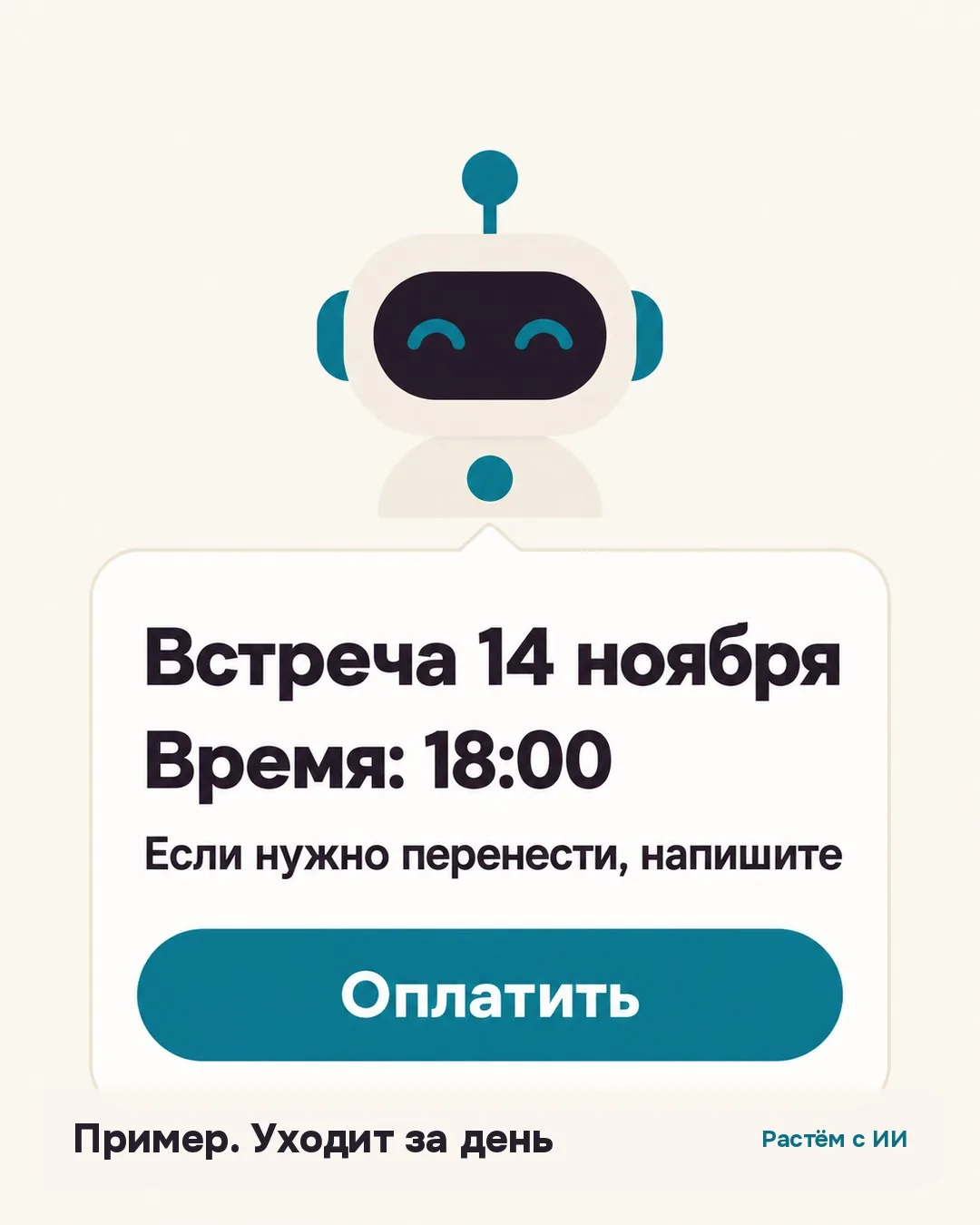
The client gets a message with the date, time, and a payment link. Following the link leads to a page run by a payment service, where the person enters their card details and confirms the payment. At that point the bot does nothing except wait for confirmation from the payment service so it can mark "paid" in the table.
From there the actual setup work begins: either the bot gets payment confirmation automatically through a notification from the payment service, or you mark it yourself with one click after seeing the payment come in. The second option is simpler for a first version of the bot and works well if the payment service doesn't support automatic notifications.
The money boundary: what the bot never does
The bot doesn't hold clients' money and doesn't process payments itself. All the work with money is handled by the payment service: it accepts the payment, stores card data under its own security rules, and only sends the bot a fact, "paid," or a link for the client. The bot's role is limited to the text of the message and the mark in the table.
This boundary is worth stating to the neural network directly in the task brief: "the bot doesn't accept payment itself, it only sends the payment service's link." Without that line it's easy to accidentally describe the task so the neural network starts inventing how the bot should check the client's card itself, which isn't needed and isn't its job.
Going further: fixing the bot if the result isn't quite right
Honestly, it almost never comes out exactly right the first time. The bot might send a message an hour earlier or later than planned, duplicate a message because of a scheduling glitch, or remind someone who's actually already paid because the table mark hadn't updated yet.
This gets fixed with short phrases in the same chat where you built the bot, no need to rebuild it from scratch:
- "Send the reminder at nine in the morning, not at noon."
- "Check the payment mark again right before sending, not just once at the start of the day."
- "If a message has already gone to this client today, don't send it again even if the data updates."
Test every fix on one client first, before turning the bot on for your whole list: that way you can see exactly what changed, and whether anything else broke.
Who this setup is for, and who doesn't need it
This setup helps most once you have more than a few clients a week and manual checking is already eating a noticeable chunk of your evenings. If you only have one or two meetings a week, the payoff from automating doesn't cover the time spent setting it up, and it's simpler to keep reminding people by hand.
I covered a similar logic before, "describe the task to a neural network in words, get a working tool with no developer," for a different case: an app that reminds a client about a small practice between sessions. The steps are almost the same, only the result is different. The full breakdown with a ready prompt is in how to build an app for clients without a developer.
Why reminding someone about payment feels awkward, and what to do about it
A payment reminder touches the same awkwardness as the first ask for a deposit. A breakdown of sales for psychologists and coaches names it directly: "some people are stuck believing it's shameful to ask for money for their work," a thought that traces back to childhood, where money felt like something uncomfortable to talk about.
When a bot sends the reminder instead of you personally, the conversation about money stops sounding like a personal request and turns into an ordinary part of the booking process, the same as confirming a meeting date. That doesn't avoid the topic of money, it just changes who's the one raising it.
Honest limits
A bot like this has real limits, and it's worth knowing them in advance rather than discovering them in practice. It doesn't call anyone and doesn't message a client anywhere outside the channel you specified. It doesn't resolve conflicts: if a client replies to a reminder with a question or an objection, answering that still falls to a person.
It can make mistakes, especially in the first few days after setup, and the mistake isn't always obvious right away: a message might go to the wrong person because of a typo in the table, or a payment mark might not update in time. It's worth checking the result by eye for the first week or two, rather than trusting the setup fully from day one.
Where to start today
Before opening Claude Code or Codex, write out your own four lines, on paper or in your notes: when to remind, what to write, where the data comes from, what's off limits. That's enough for a first draft of the bot, and adjustments based on the first week's results get made in the same conversation with the neural network, not as a new task from scratch.
Checklist
- Four lines of a task brief: when to remind, what to write, where the data comes from, what the bot isn't allowed to do.
- A reminder goes out a day before the meeting, with the date, time, and a payment link.
- The bot pulls data from a simple table: name, meeting date, payment status.
- A payment service handles the money. The bot only brings the link and marks who paid.
- The bot is barred from writing twice in one day and from reminding anyone already marked as paid.
- Honestly, it rarely works perfectly the first time, the bot misses the timing or duplicates a message, and fixing it in the same chat is a normal part of the process.
- Checking that the bot really doesn't touch money itself, and only passes along a link, is on you during the first setup.
FAQ
Do I need to know how to code to build a bot like this?
No. Vibe coding means describing the task to a neural network in ordinary words, the way you would to a human assistant, not writing code by hand. Claude Code and Codex turn the description into a working setup themselves.
What exactly are the four lines I need to write?
When to remind (for example, a day before the meeting), what to write (a message with the date, time, and payment link), where the data comes from (a table with name, date, and payment status), and what's off limits (writing twice a day, reminding someone already marked as paid).
Does the bot hold the clients' money?
No. A payment service handles the money and has its own payment link. The bot only brings that link to the client and marks in the table that the payment went through.
What if the bot doesn't work the way you planned on the first try?
That's a normal part of setting it up, not a reason to give up on the idea. You fix it in the same chat with short phrases: "send it an hour earlier," "don't message anyone who's already paid.
Can you use a bot like this without a data table?
You need a table so the bot knows who to remind, when, and who has already paid. Without a data source it either asks you by hand every time or only works for one specific client.
Does this work for experts without a technical background?
Yes, the task is described in ordinary words about your own routine, no programming terms needed. The neural network handles the technical side, where and how it actually runs.
Sources
Want a system like this for your niche?
Book a free review: I'll show you what can come off your plate in content and sales.
Book a review →